Cloudflare R2 & Automated Updates
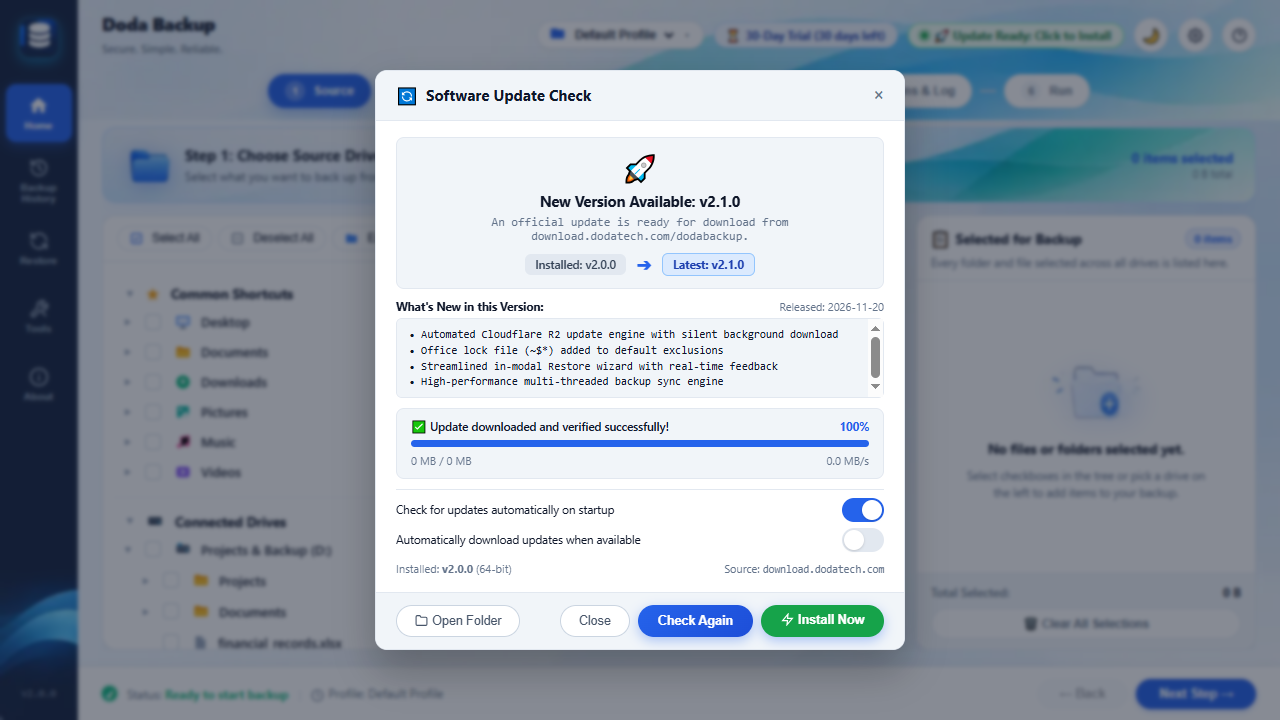
DodaBackup includes an integrated, zero-friction software update engine. Distributed via Cloudflare’s high-speed global R2 object storage network, updates download in seconds with cryptographic integrity verification.
Global Distribution Architecture
DodaBackup distributes update manifests and signed binary installers through a dedicated Content Delivery Network (CDN) endpoint:
https://download.dodatech.com/dodabackup/
├── latest.json                                 # Real-time release manifest
└── releases/windows/
    ├── DodaBackup-Setup-v1.1.1.exe             # Historical binary
└── DodaBackup-Setup-v1.1.2.exe # Current stable release- Latest Release Package: Download DodaBackup-Setup-v1.1.2.exe
- Release Manifest:
https://download.dodatech.com/dodabackup/latest.json
    graph TD
    CLIENT["DodaBackup Desktop Client"] -->|1. GET /latest.json?t=timestamp| R2["Cloudflare R2 Storage (download.dodatech.com)"]
    R2 -->|2. Returns Release Manifest| CLIENT
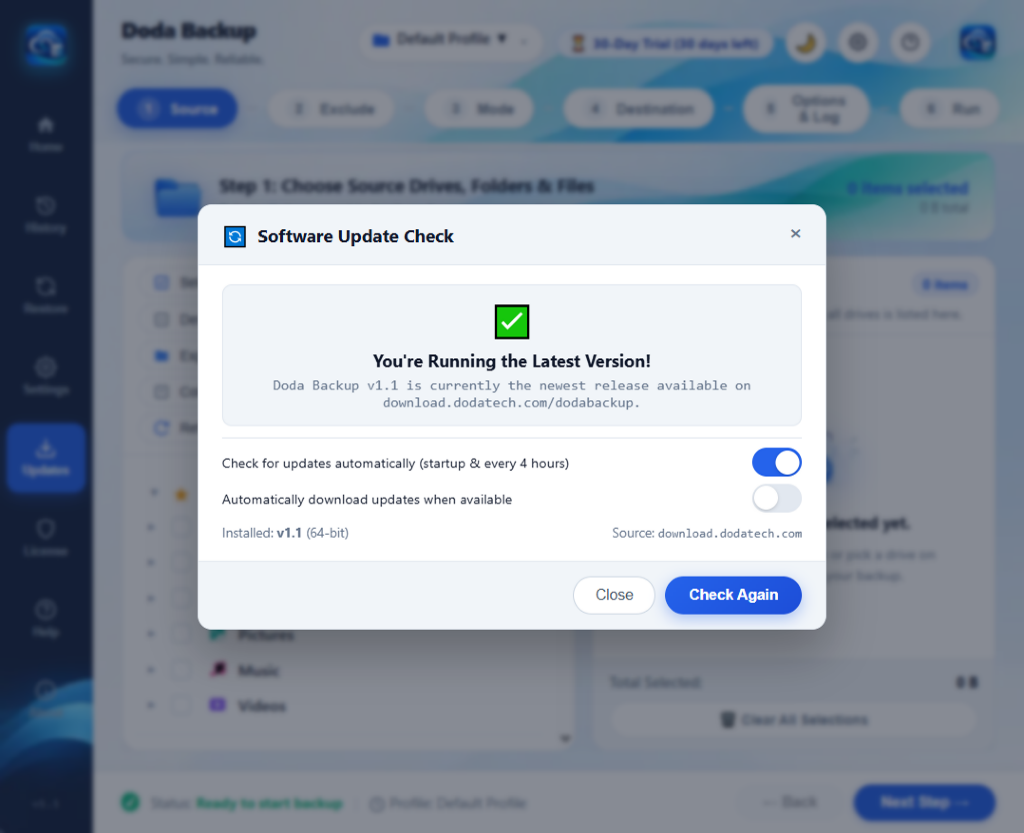
    CLIENT -->|3. Compare SemVer| DECISION{"Newer Version Available?"}
    DECISION -->|No| IDLE["Display 'Up to Date'"]
    DECISION -->|Yes| DOWNLOAD["4. Stream Setup Binary via WinINet"]
    DOWNLOAD --> VERIFY["5. Verify Size & SHA-256 Hash"]
    VERIFY --> NOTIFY["6. Display 'Update Ready' Pill"]
How Update Checking Works
- Scheduled Background Checks:
- While DodaBackup remains open, an asynchronous timer silently queries the update server every 4 hours.
- Respects user preferences: Can be toggled on or off under Settings → Auto Check for Updates (see Application Settings).
- On-Demand Manual Inspection:
- Click Updates on the left navigation rail or press
Ctrl + U(see Keyboard Shortcuts) to immediately trigger a live check.
- Click Updates on the left navigation rail or press
- Edge Cache-Busting:
- Client requests append high-precision epoch timestamps (
?t=179498...) to bypass intermediate proxy or browser cache layers, guaranteeing you always receive the freshest release manifest.
- Client requests append high-precision epoch timestamps (
Native WinINet Background Downloader
Many Electron applications download updates using Chromium fetch() or third-party Node.js libraries, which frequently run into CORS restrictions, sandbox permission denials, or memory bloat.
DodaBackup handles binary downloads natively in Rust via Windows WinINet (wininet.dll):
- Zero-CORS Direct Connection: Communicates at the OS network stack level.
- Chunked Progress Streaming: Emits real-time progress events over Tauri’s IPC bridge, reporting transferred megabytes, percentage complete, and download speed (MB/s).
- Atomic File Staging: Installers stream into a secure temporary location:
%LOCALAPPDATA%\Temp\DodaBackup_Updates\DodaBackup-Setup-v{version}.exe - Integrity Validation: Before prompting the user to install, the engine verifies the downloaded byte size against the manifest.
Installing an Update
Once a download completes:
- Topbar Indicator: A prominent pill appears on the top navigation bar:
🚀 Update Ready: Click to Install. - In-App Modal: Click Install & Restart to launch the NSIS installer.
- Clean Handover: DodaBackup gracefully closes active threads, terminates the UI process, and allows the NSIS setup wizard to seamlessly update application binaries.
- Settings & Profiles Preserved: All backup profiles, schedules, exclusion filters, and license records are stored safely in
%APPDATA%\DodaBackup\and remain 100% intact across every update. - All updates are free for life under our Lifetime License Policy.